


Expense report, filling it out is a pleasure.
With Fluida, completing the expense report is so easy that there are no excuses for not doing it! In a few simple steps, you can collect, send, and approve the expenses incurred in a work context and review the summary directly from the app, limiting the risk of errors in reimbursements.
Expense report, filling it out is a pleasure.
With Fluida, completing the expense report is so easy that there are no excuses for not doing it! In a few simple steps, you can collect, send, and approve the expenses incurred in a work context and review the summary directly from the app, limiting the risk of errors in reimbursements.
Expense report, filling it out is a pleasure.
With Fluida, completing the expense report is so easy that there are no excuses for not doing it! In a few simple steps, you can collect, send, and approve the expenses incurred in a work context and review the summary directly from the app, limiting the risk of errors in reimbursements.

Too many receipts? With Fluida you can put an end to that!
Receipts, invoices, mileage reimbursements, filling out reimbursement requests can be tedious and very chaotic, but there is a solution! Let me introduce you to the Expense Report, quick and digital.
Too many receipts? With Fluida you can put an end to that!
Receipts, invoices, mileage reimbursements, filling out reimbursement requests can be tedious and very chaotic, but there is a solution! Let me introduce you to the Expense Report, quick and digital.
Too many receipts? With Fluida you can put an end to that!
Receipts, invoices, mileage reimbursements, filling out reimbursement requests can be tedious and very chaotic, but there is a solution! Let me introduce you to the Expense Report, quick and digital.
Smile, take a photo and the expense report is done!
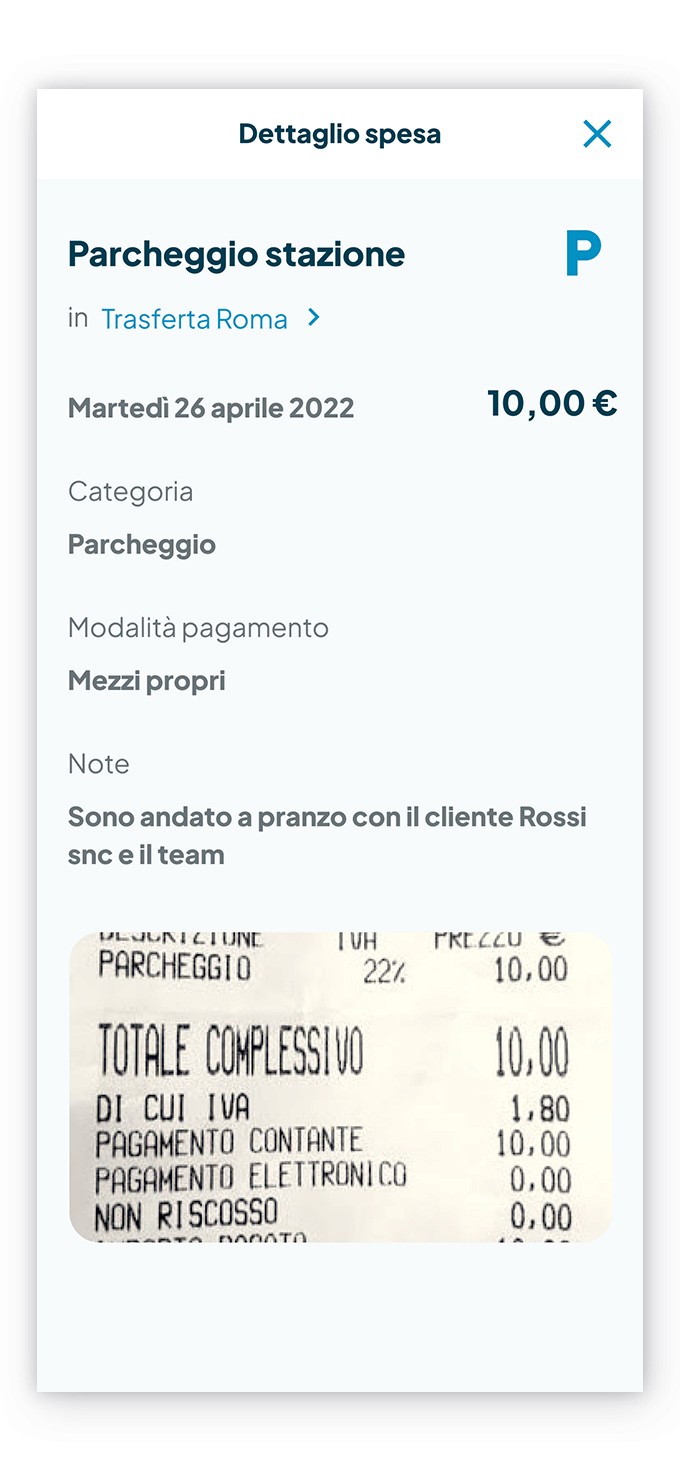
Too much precious time spent on filling out expense reports? With Divinator™ by Fluida, just frame the receipt and take a photo to automatically enter the useful data on the receipt, such as the date, the total amount, and the company name of the supplier, saving you a lot of time!
And if you already have a pdf file archived or an image in your smartphone library, just select it to insert it.
Smile, take a photo and the expense report is done!
Too much precious time spent on filling out expense reports? With Divinator™ by Fluida, just frame the receipt and take a photo to automatically enter the useful data on the receipt, such as the date, the total amount, and the company name of the supplier, saving you a lot of time!
And if you already have a pdf file archived or an image in your smartphone library, just select it to insert it.
Smile, take a photo and the expense report is done!
Too much precious time spent on filling out expense reports? With Divinator™ by Fluida, just frame the receipt and take a photo to automatically enter the useful data on the receipt, such as the date, the total amount, and the company name of the supplier, saving you a lot of time!
And if you already have a pdf file archived or an image in your smartphone library, just select it to insert it.

Predefined categories, every expense in its place.
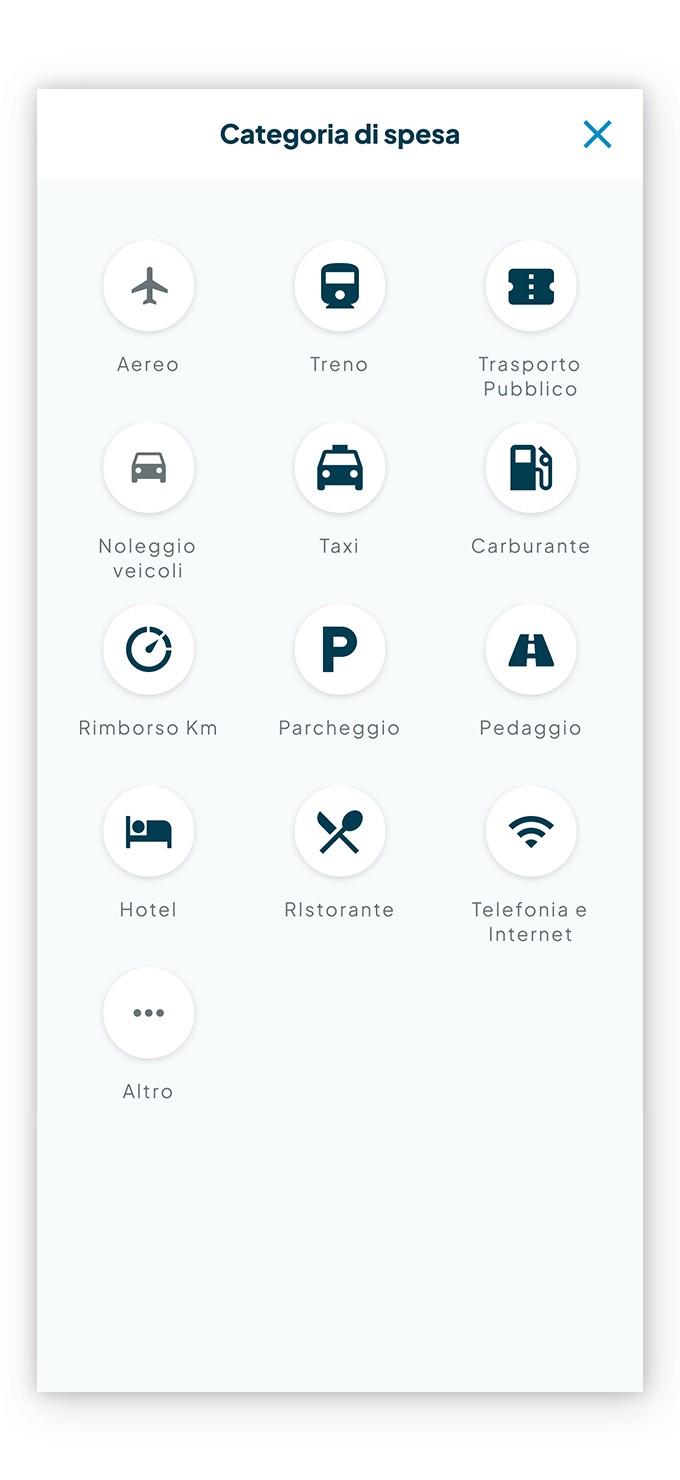
Classifying an expense with Fluida is not a problem, the system provides more than 12 categories, each containing detailed information that is essential for having timely reports and verifying limits more easily. The color coding makes it even easier to choose the correct thematic area:
• Transport
• Car
• Food and accommodation
• Other
Predefined categories, every expense in its place.
Classifying an expense with Fluida is not a problem, the system provides more than 12 categories, each containing detailed information that is essential for having timely reports and verifying limits more easily. The color coding makes it even easier to choose the correct thematic area:
• Transport
• Car
• Food and accommodation
• Other
Predefined categories, every expense in its place.
Classifying an expense with Fluida is not a problem, the system provides more than 12 categories, each containing detailed information that is essential for having timely reports and verifying limits more easily. The color coding makes it even easier to choose the correct thematic area:
• Transport
• Car
• Food and accommodation
• Other
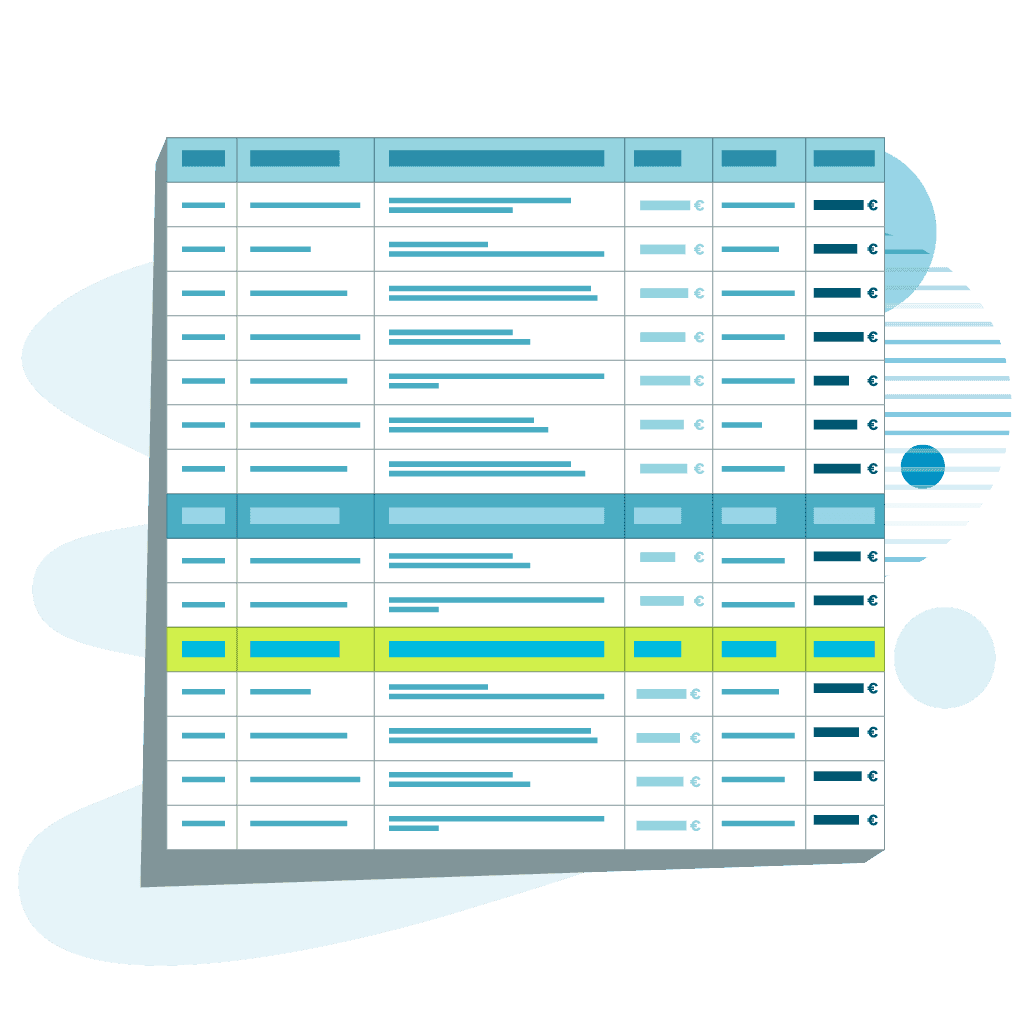
Data always ready to be used.
All the data collected is always accessible from the app or from desktop. You can also automatically generate PDF summaries and to make data processing easier it is possible to export them according to your needs, for example to Excel sheets. Additionally, the data is accessible via API for integration with other commonly used business software.
Data always ready to be used.
All the data collected is always accessible from the app or from desktop. You can also automatically generate PDF summaries and to make data processing easier it is possible to export them according to your needs, for example to Excel sheets. Additionally, the data is accessible via API for integration with other commonly used business software.
Data always ready to be used.
All the data collected is always accessible from the app or from desktop. You can also automatically generate PDF summaries and to make data processing easier it is possible to export them according to your needs, for example to Excel sheets. Additionally, the data is accessible via API for integration with other commonly used business software.
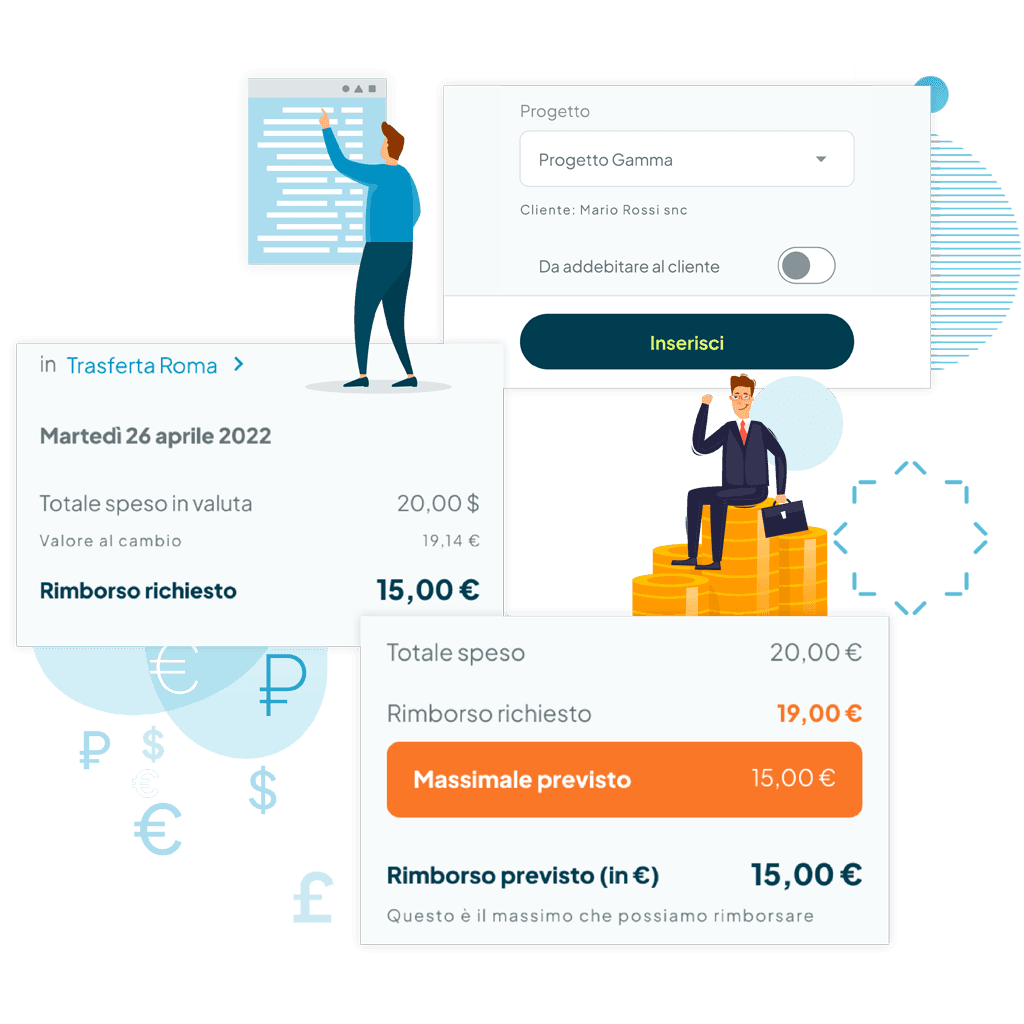
Advanced expenses note
The perfect extension for those who are always on the go
The advanced expense note provides more precise tools to adapt to more specific needs. You can set limits for each expense and allow expenses to be entered in major foreign currencies, Fluida will automatically suggest conversion to Euros. Additionally, you can assign the note to a specific client or project.
Advanced expenses note
The perfect extension for those who are always on the go
The advanced expense note provides more precise tools to adapt to more specific needs. You can set limits for each expense and allow expenses to be entered in major foreign currencies, Fluida will automatically suggest conversion to Euros. Additionally, you can assign the note to a specific client or project.
Advanced expenses note
The perfect extension for those who are always on the go
The advanced expense note provides more precise tools to adapt to more specific needs. You can set limits for each expense and allow expenses to be entered in major foreign currencies, Fluida will automatically suggest conversion to Euros. Additionally, you can assign the note to a specific client or project.
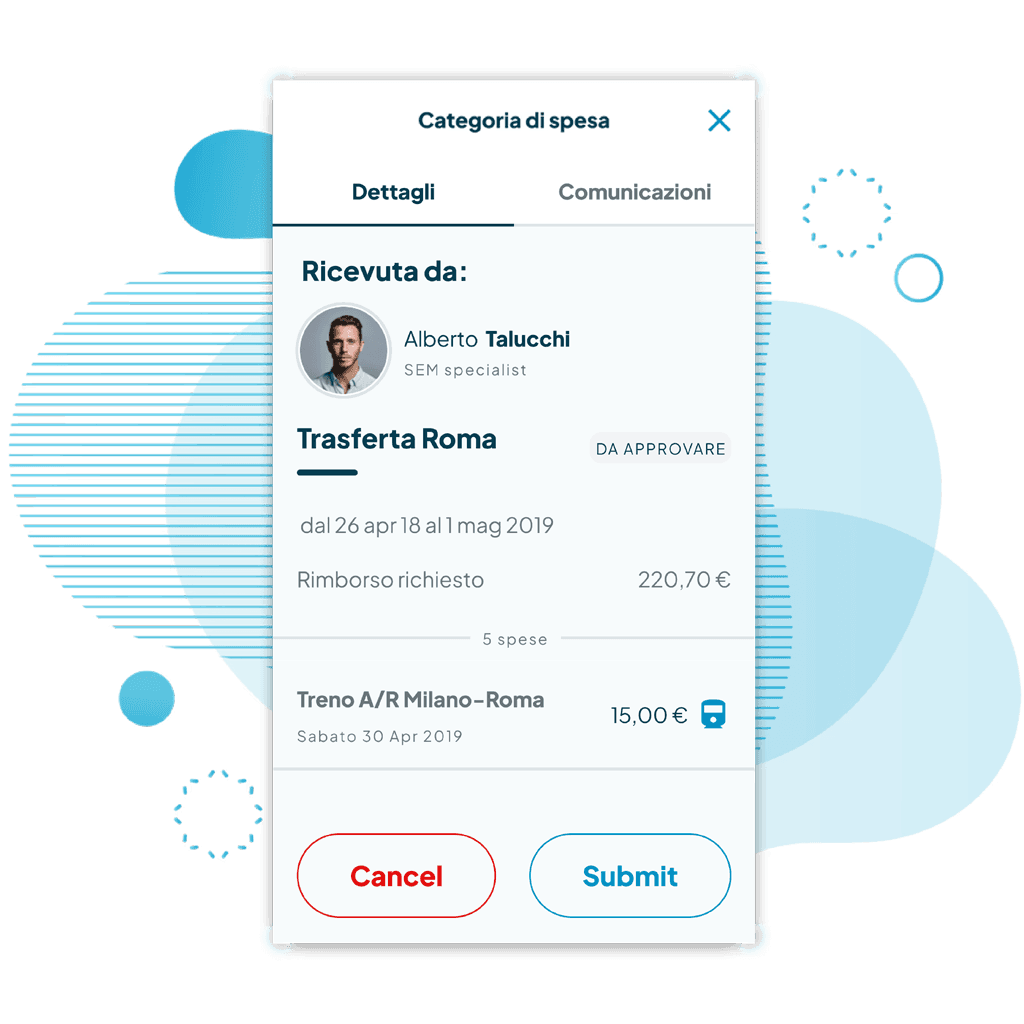
Approving an expense, a matter of moments.
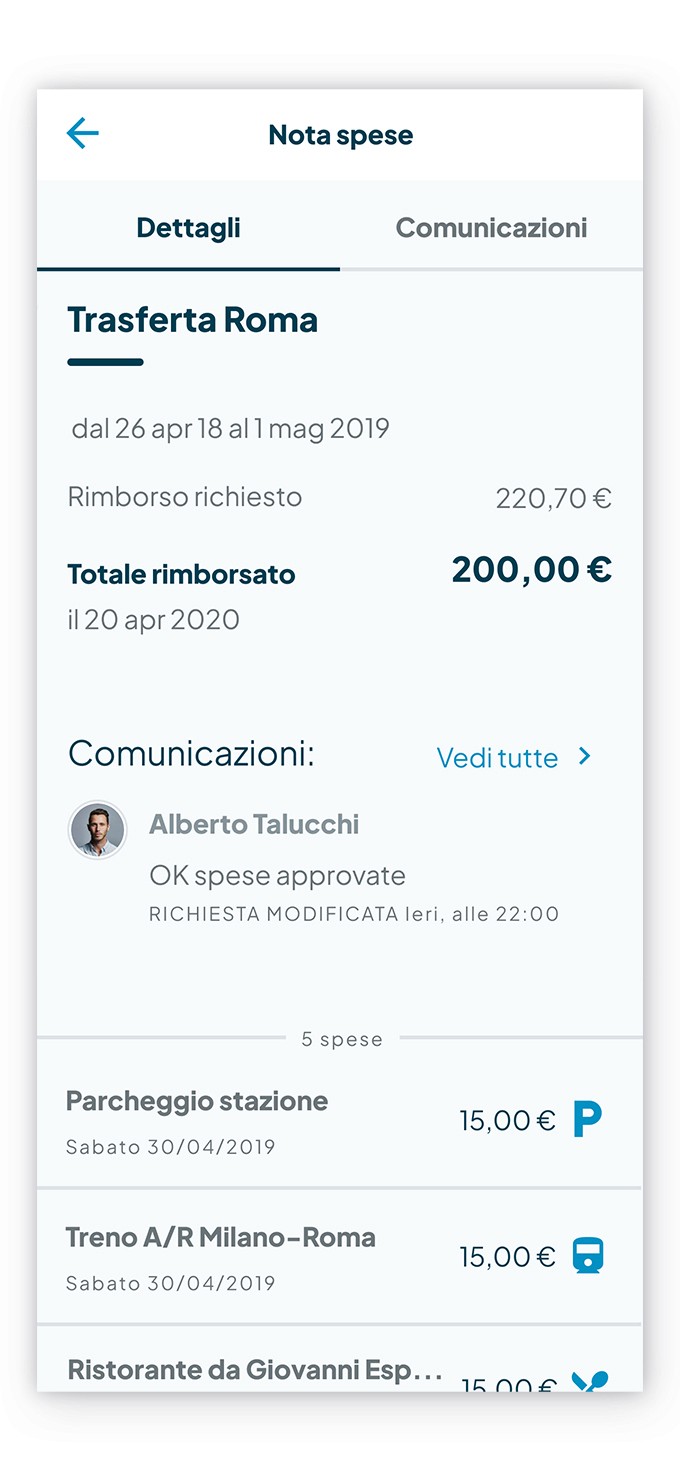
You can define an approval process for the expense report, to achieve reimbursement in the simplest and most immediate way. By following the statuses, you can immediately learn whether the expense is in draft, to be approved, approved, rejected, or reimbursed. In addition, it is possible to open a chat with the worker to request information about an expense and establish timings and methods for reimbursement.
Approving an expense, a matter of moments.
You can define an approval process for the expense report, to achieve reimbursement in the simplest and most immediate way. By following the statuses, you can immediately learn whether the expense is in draft, to be approved, approved, rejected, or reimbursed. In addition, it is possible to open a chat with the worker to request information about an expense and establish timings and methods for reimbursement.
Approving an expense, a matter of moments.
You can define an approval process for the expense report, to achieve reimbursement in the simplest and most immediate way. By following the statuses, you can immediately learn whether the expense is in draft, to be approved, approved, rejected, or reimbursed. In addition, it is possible to open a chat with the worker to request information about an expense and establish timings and methods for reimbursement.
Expense note? It takes a moment.
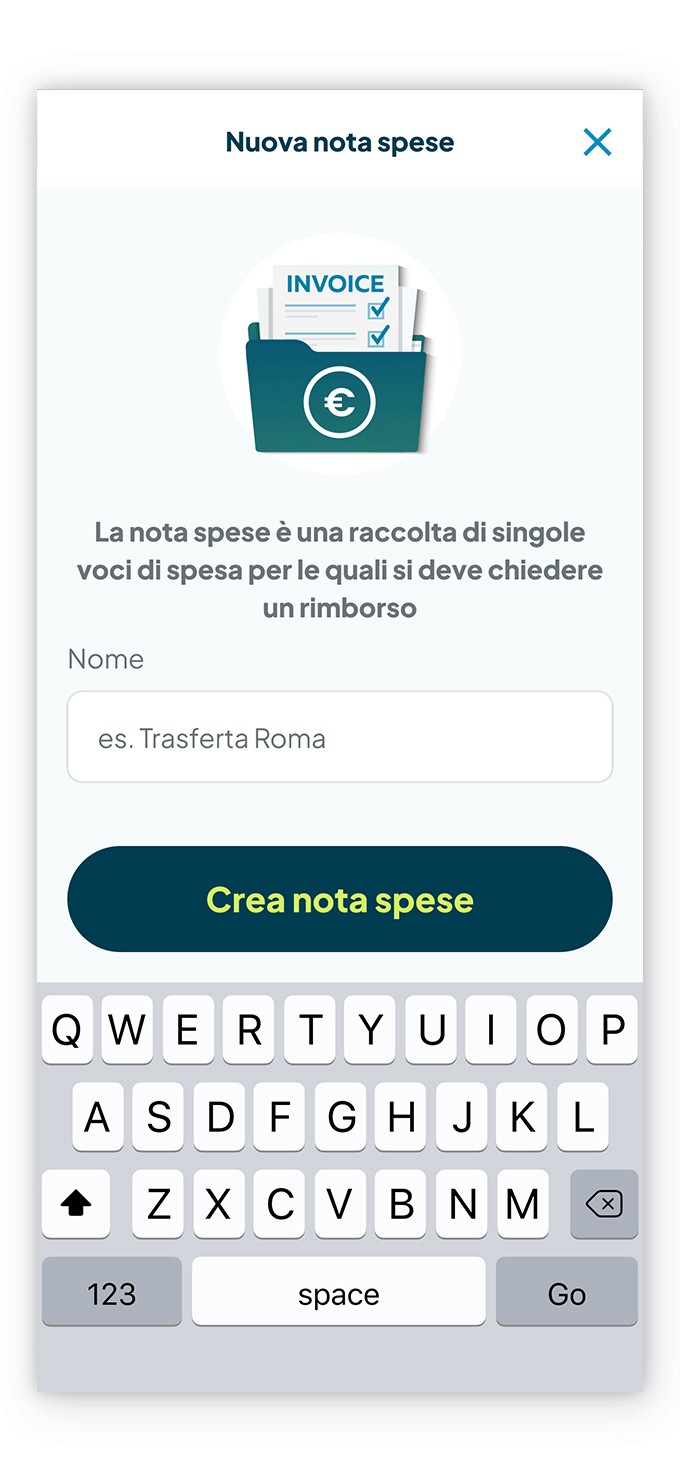
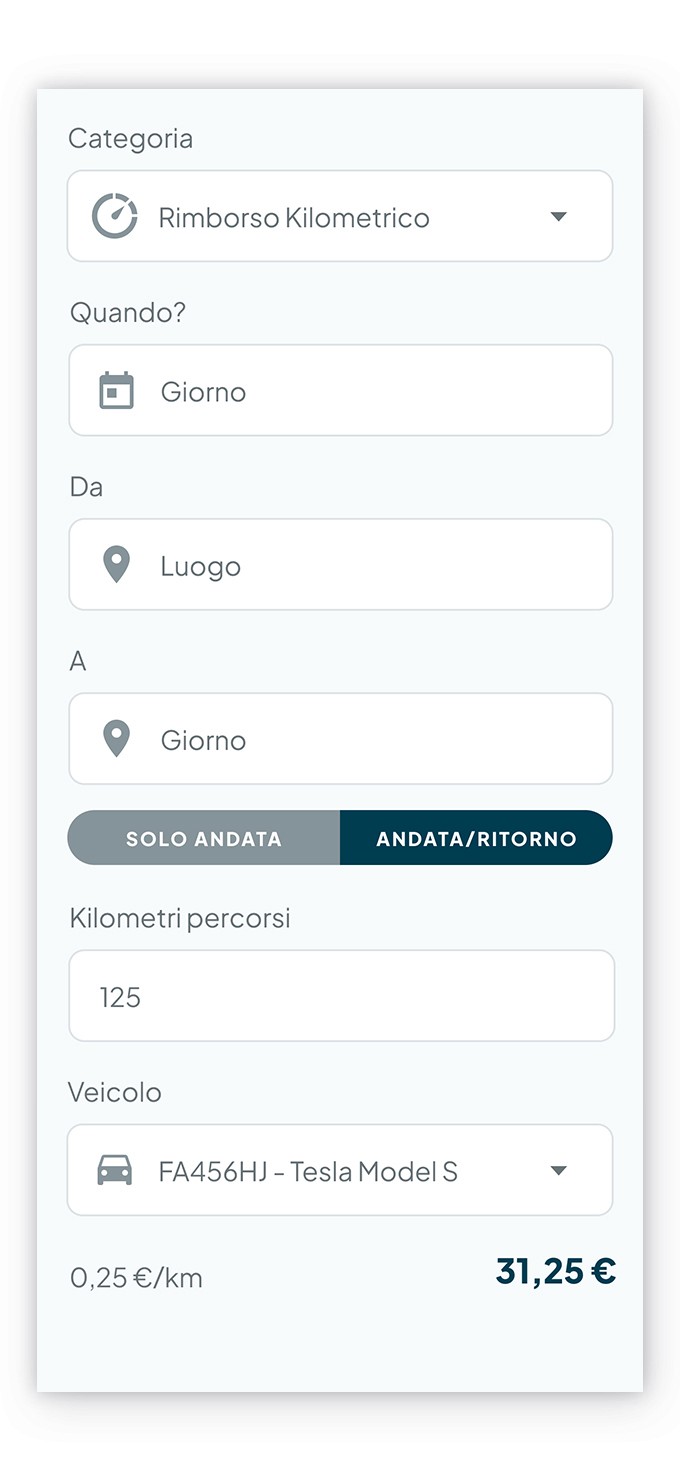
Managing the expenses to be reimbursed to the company, such as business trips, work lunches, and mileage refunds is no longer a problem. See how quick it is!
Expense note? It takes a moment.
Managing the expenses to be reimbursed to the company, such as business trips, work lunches, and mileage refunds is no longer a problem. See how quick it is!
Expense note? It takes a moment.
Managing the expenses to be reimbursed to the company, such as business trips, work lunches, and mileage refunds is no longer a problem. See how quick it is!
Start today
Digitise personnel management with Fluida.
Start today
Digitise personnel management with Fluida.
Start today
Digitise personnel management with Fluida.